Sales Document Automation

Turn your CRM data into proposals, quotes and contracts

Save Time

Automate Your Sales Documents

Sales reps spend hours copying client details, products and prices from the CRM into proposals and quotes. With document automation, each one is created with the right prices, terms and totals.

  • Proposals and quotes in seconds
  • The right prices for every client
  • Consistent branding across the team
Start Generating for Free
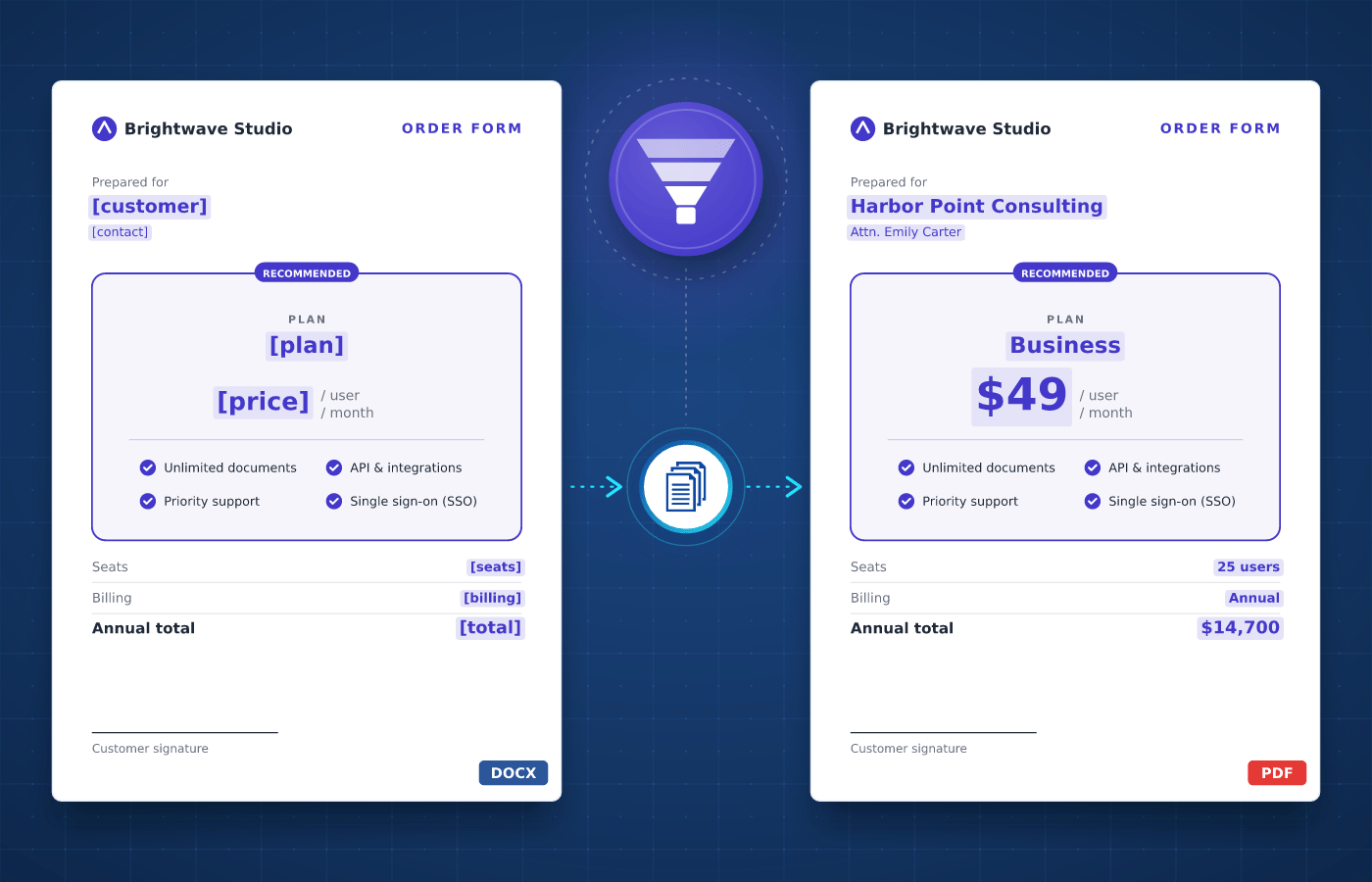
Sales document template in Word with merge tags
Understanding

Sales Documents

Sales teams create documents at every stage of the pipeline. Proposals and price quotes present an offer, contracts close the deal, and sales reports track results across the team.


Each deal has its own client, products and prices, but the documents follow the same structure every time. Your team designs each template once, which makes sales documents a natural fit for automation.

Start With Our

Sales Templates

Download a ready-to-use template, adapt it to your needs and generate your first sales document in minutes.

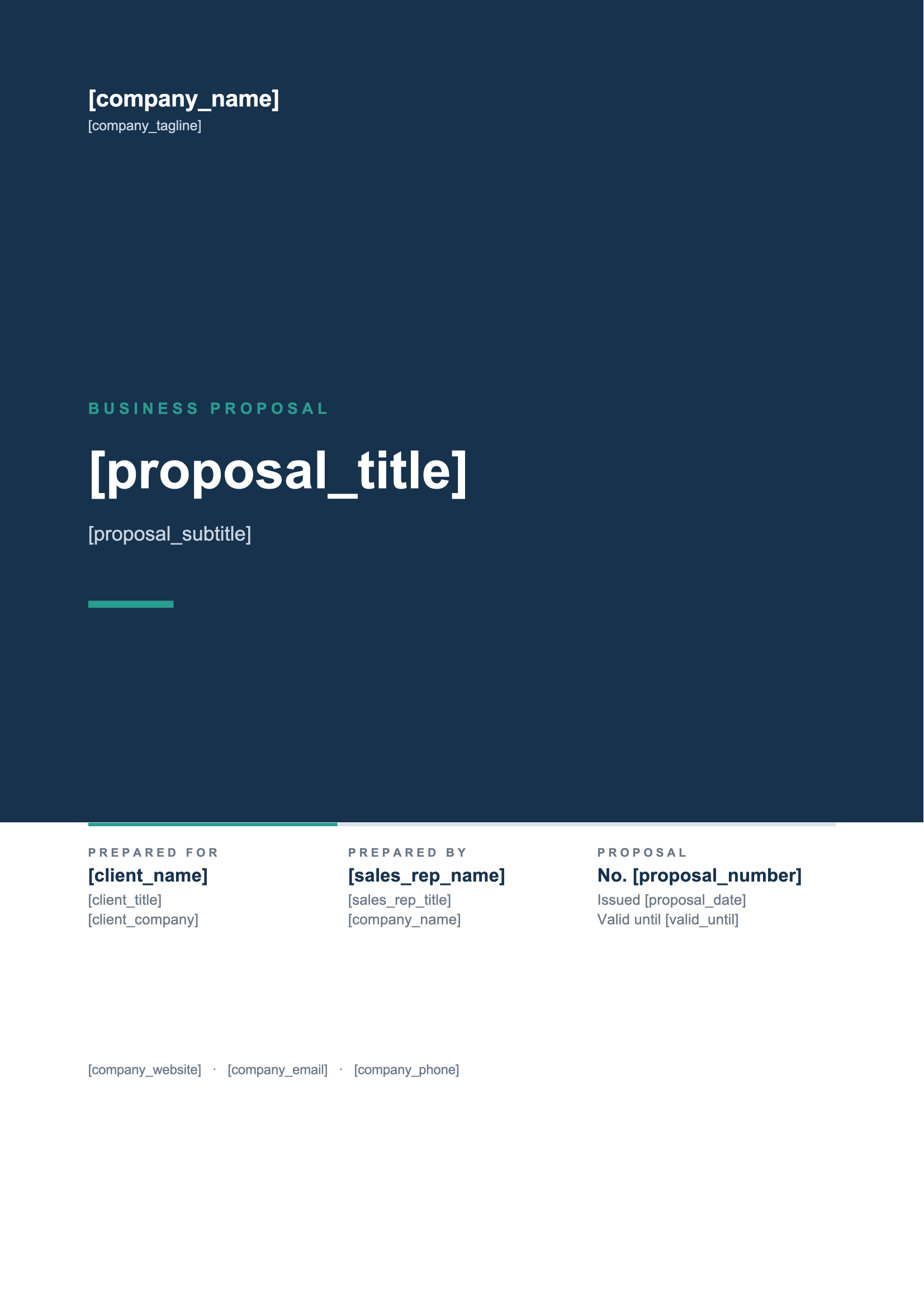
Sales Proposal
Download
Sales Proposal Template
Dotted shape
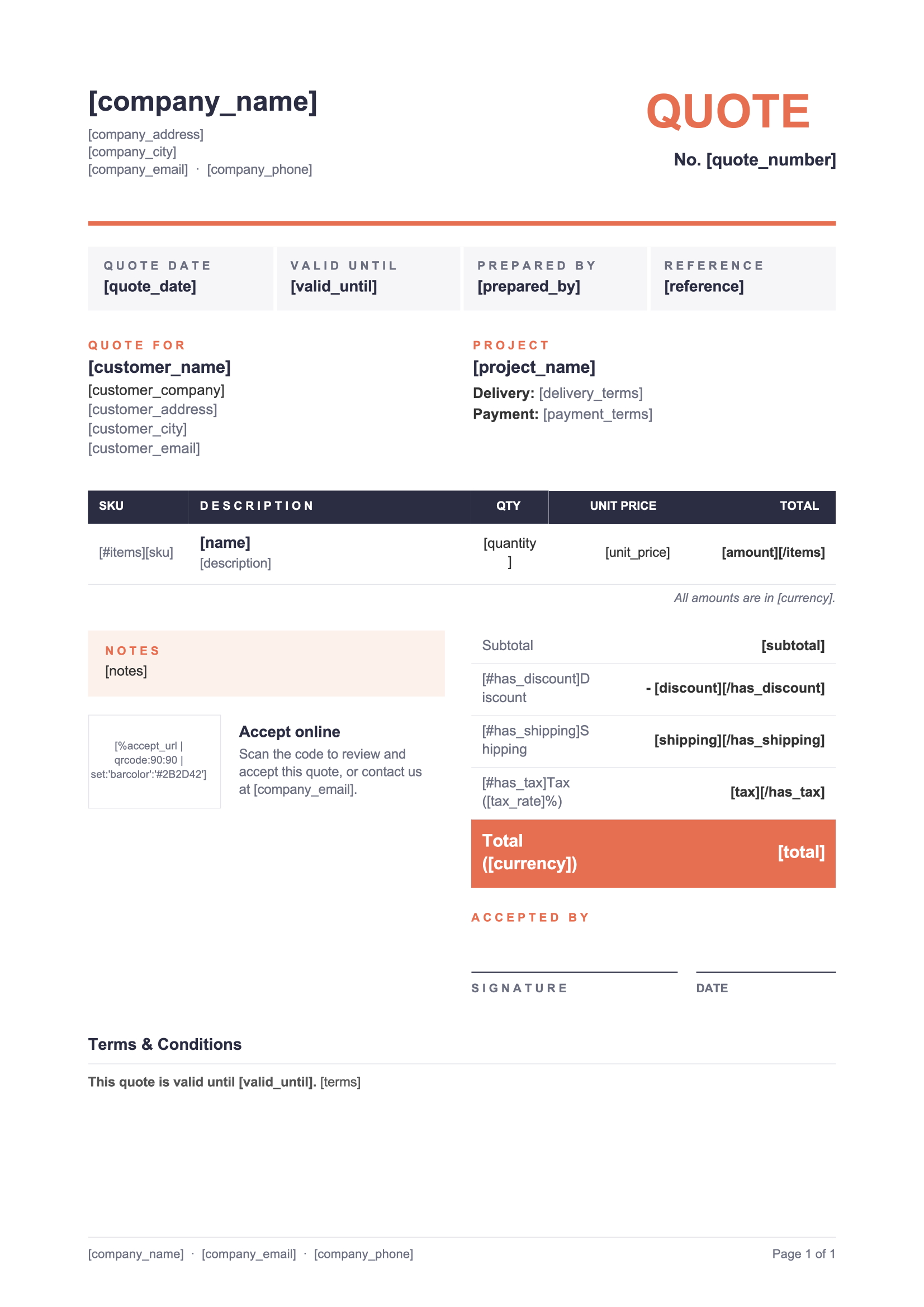
Price Quote
Download
Price Quote Template
Dotted shape
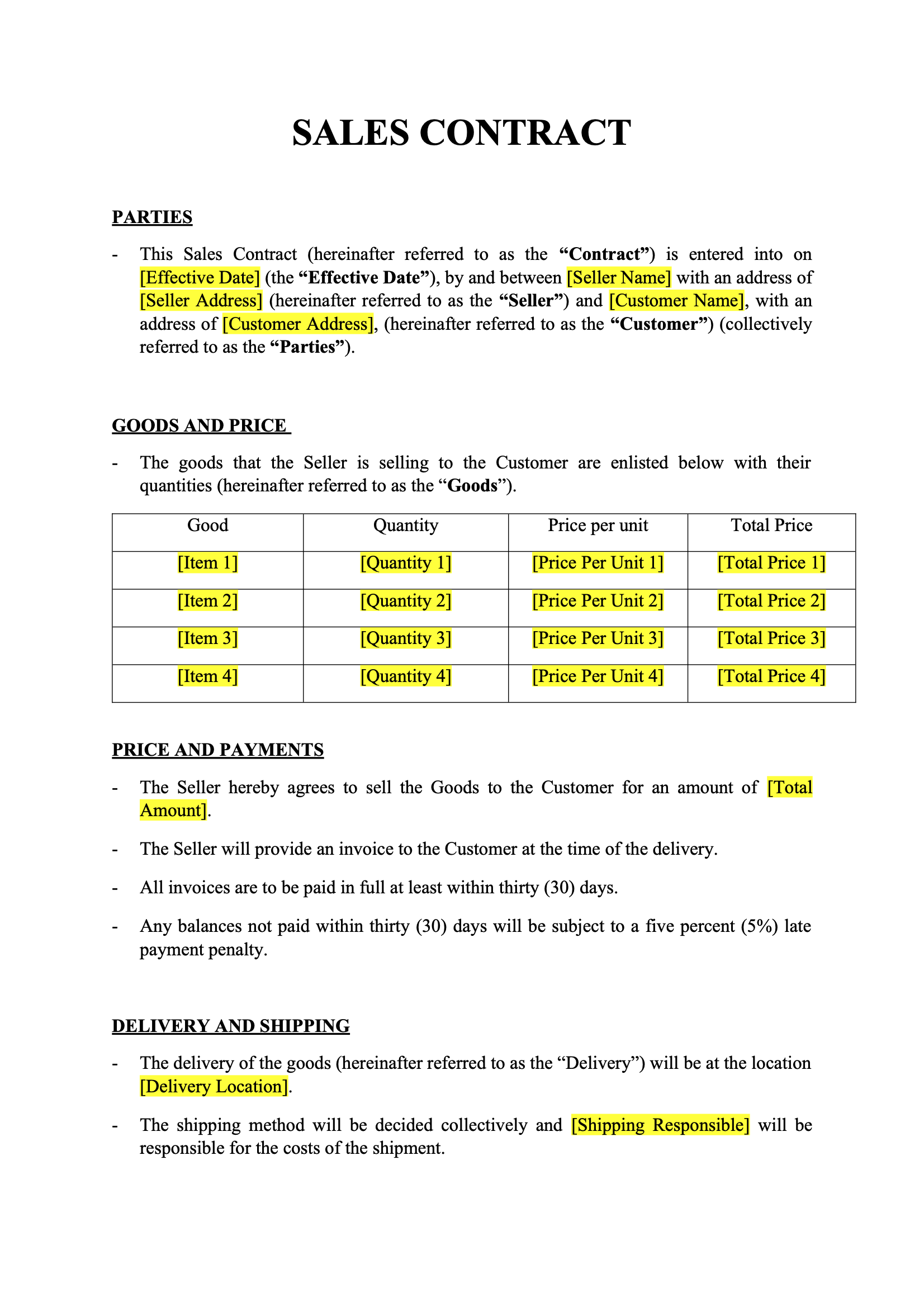
Sales Contract
Download
Sales Contract Template
Dotted shape
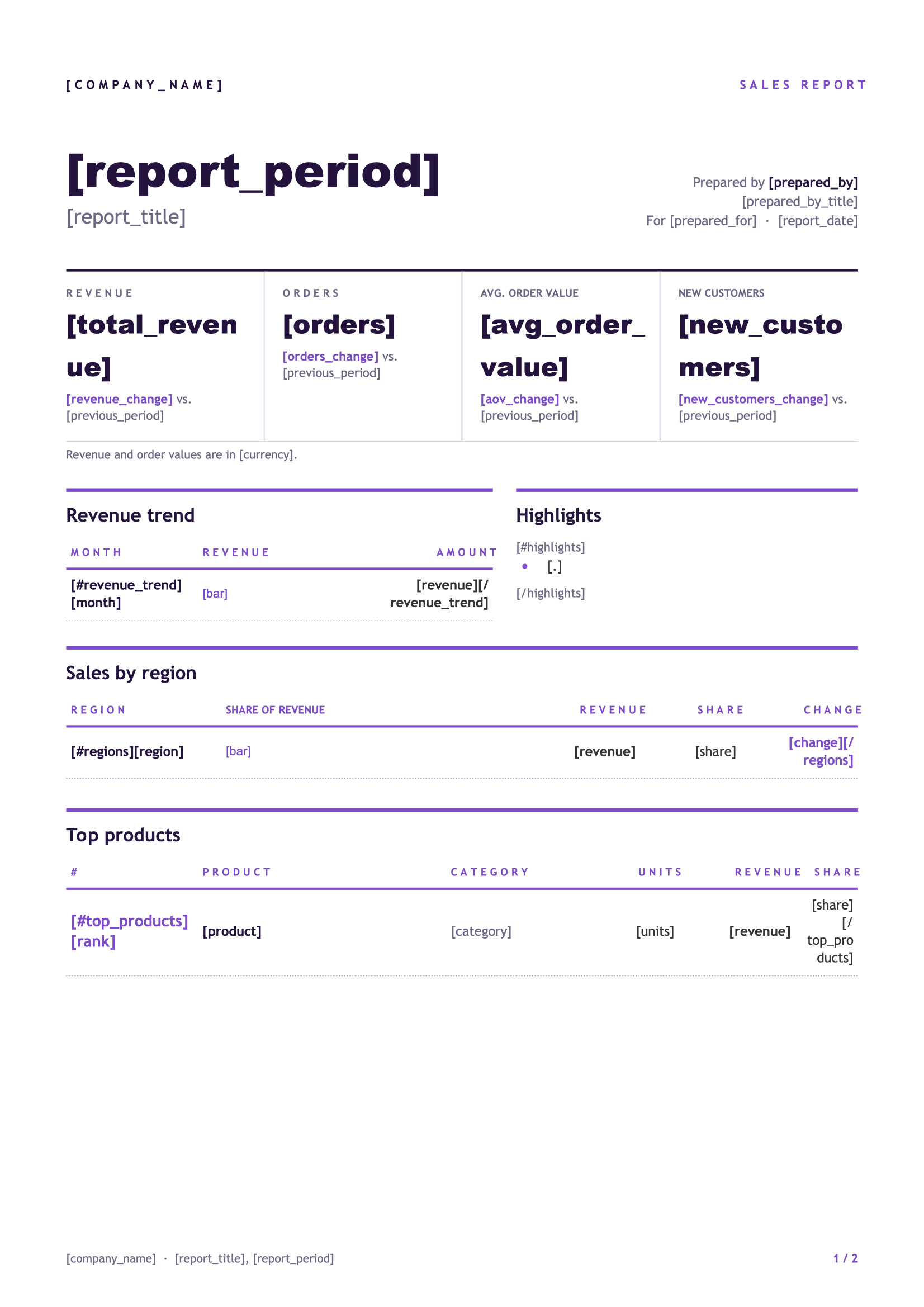
Sales Report
Download
Sales Report Template
Dotted shape
Everything You Need

Built For Sales

From the first quote to the signed contract, every sales document can be driven by your data.

Pricing Tables

List the products, services and prices of each offer in tables that grow automatically with your data.

Learn More

Calculated Totals

Multiply quantities by prices and add up subtotals, discounts and totals directly in your template.

Learn More

Optional Sections

Include optional products, discounts or terms only when they apply, so each proposal stays relevant.

Learn More

Logos & Images

Add each client's logo or your product photos to the proposal, straight from the data you already have.

Learn More

Number Formats

Show prices with the right decimals and separators for your client's locale, whatever their country.

Learn More

Brochures & Terms

Append your brochure or terms and conditions as a static PDF at the end of every proposal you generate.

Learn More

Accept QR Codes

Add a QR code to each quote that links to your online acceptance page, so clients can sign off in seconds.

Learn More

Team Collaboration

Share templates with your colleagues so everyone in your sales team sends the same approved version.

Learn More
Integrations

Automate With No-Code

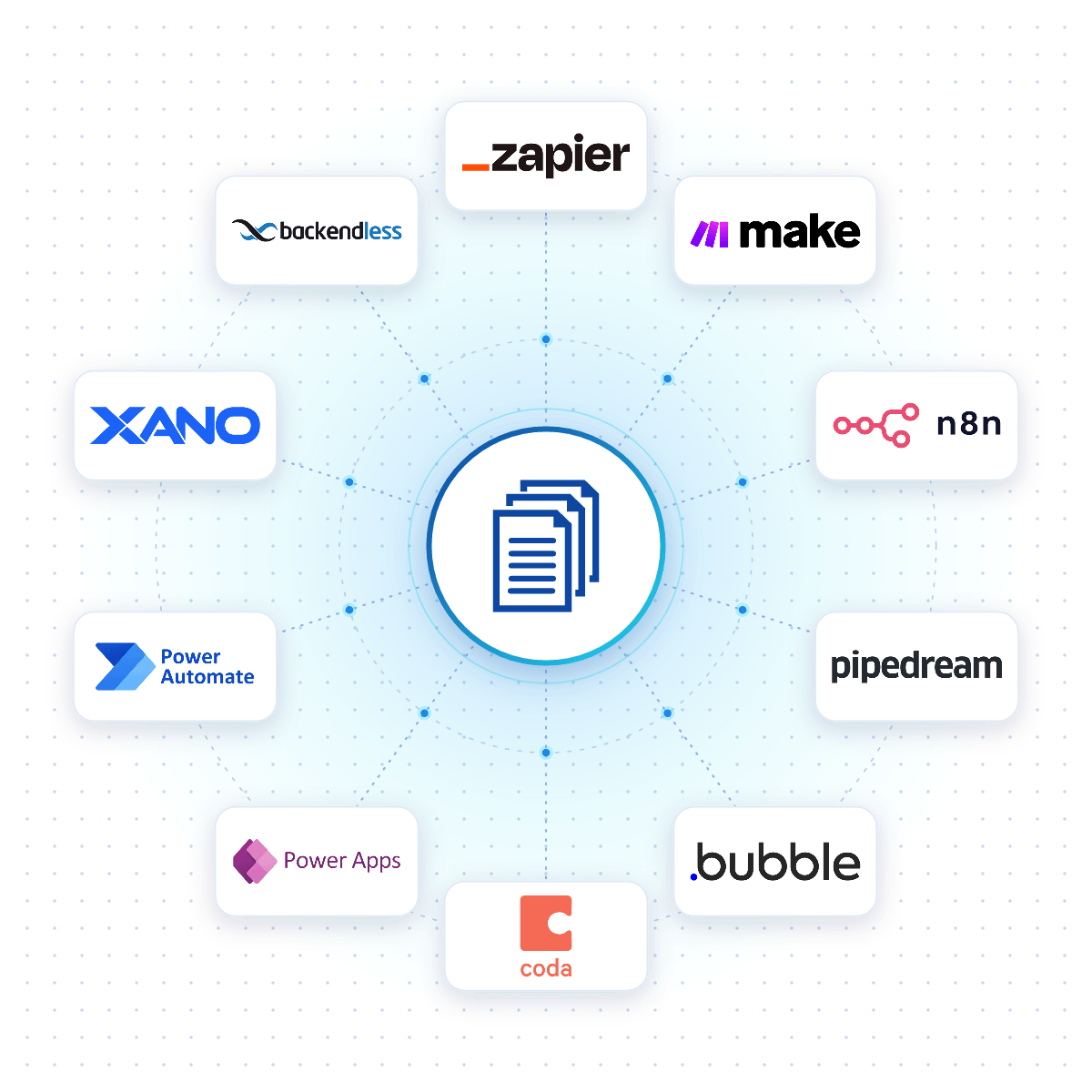
Connect DocuGenerate to Zapier, Make, n8n or Pipedream, and a sales document is created the moment a lead is qualified, a deal moves to a new stage or an opportunity is won.

Native connectors for Bubble, Coda, Power Apps, Xano and Backendless allow your apps to generate sales documents reliably from your DocuGenerate templates.

No-Code Integrations
DocuGenerate connected to no-code platforms like Zapier, Make, n8n and Bubble
Case Study

How Muralia Automates Quotes for Mural Projects

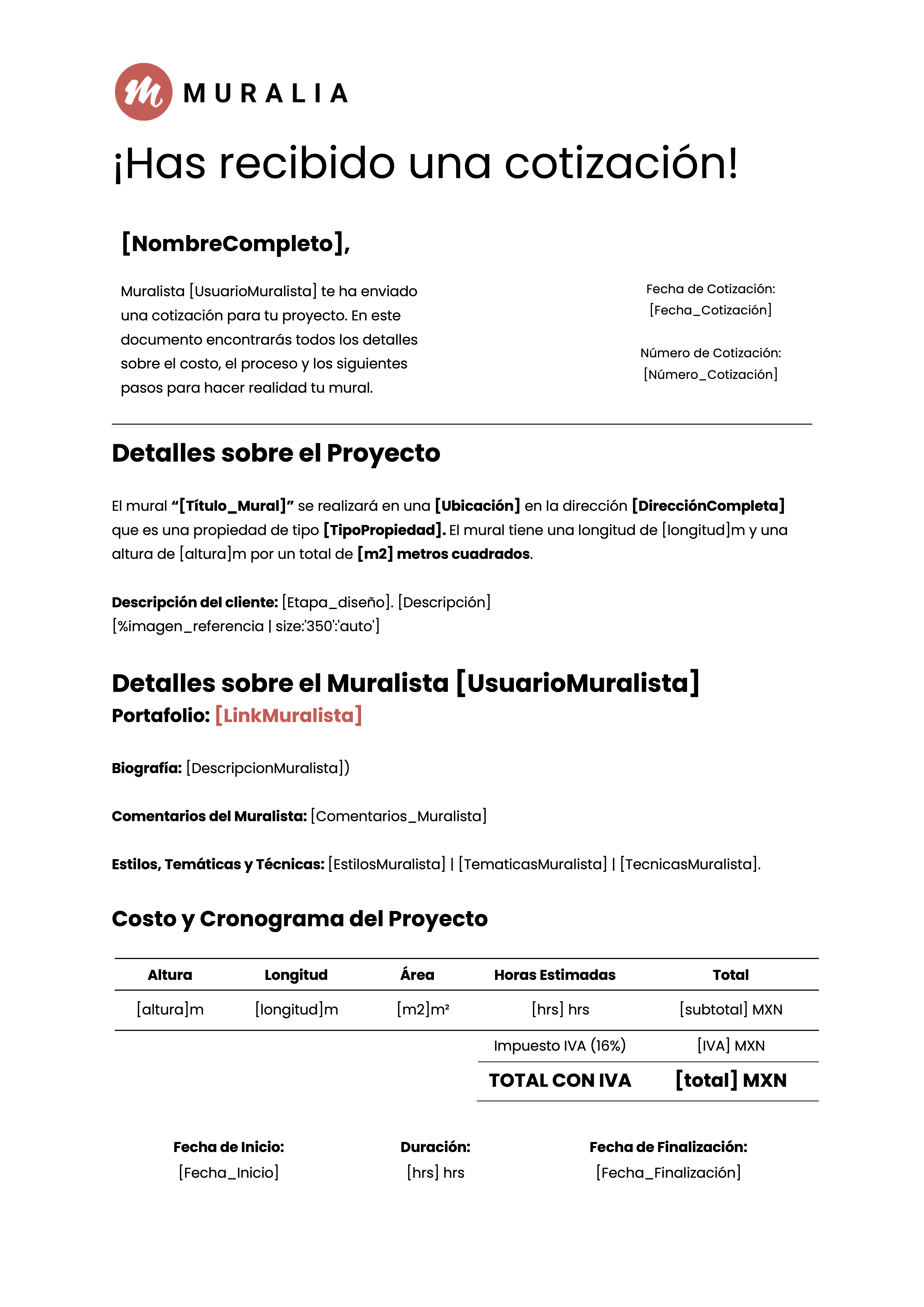
Muralia, the first mural marketplace in Mexico, uses the DocuGenerate API to automatically create professional quotes and invoices for mural commissions and wall rentals, with complex pricing calculations.

Read the Case Study
Muralia template
Rectangle shape
FAQ

Your Questions Answered

Questions frequently asked about automating sales documents with DocuGenerate

Yes. Templates are ordinary Word files, so you can reuse the proposals, quotes and contracts you already have. Add merge tags where the details change and upload the file. Learn more.
Yes. Connect your CRM through Zapier, Make, n8n or Pipedream and generate a proposal automatically when a deal reaches the right stage.
Yes. A quote is simply a template with an itemized table of products or services, so you can create quotes, estimates and proposals the same way. Learn more.
Yes. Generate it as DOCX instead of PDF and make any final changes in Word before sending it to your client. Learn more.
No. The data is transient. It is used for the merge and then discarded, never written to the logs or the database. The generated documents are kept until you delete them.
Yes. Send your deal data as JSON to the REST API and get the generated document back in seconds. SDKs are available for Node.js, Python, PHP, Ruby, Go, C#, Rust and Java, and every plan includes full API access. Learn more.
Sign Up

Start Creating Your Sales Documents

Get started with 20 free documents per month and our ready-to-use sales templates.

Start Generating for Free
  • Free forever plan
  • No credit card required